Send FileAudit notifications to Teams or Slack
Route FileAudit alerts and scheduled reports to a Microsoft Teams or Slack channel instead of, or alongside, email.
FileAudit does not require a dedicated integration to notify Teams or Slack. Both platforms can receive emails through a channel-specific email address. You enter this address as a recipient directly in an alert or a scheduled report, and the notification appears as a message in the channel.
Email settings must be configured in FileAudit. See Configure email settings Guide.
You need an existing alert or a scheduled report.
You need sufficient permissions on the Slack workspace or the Teams team to generate a channel email address.
Get the email address of the target Slack channel. Slack provides this through the Email app or a channel-specific email integration. Follow the official Slack documentation to generate it.
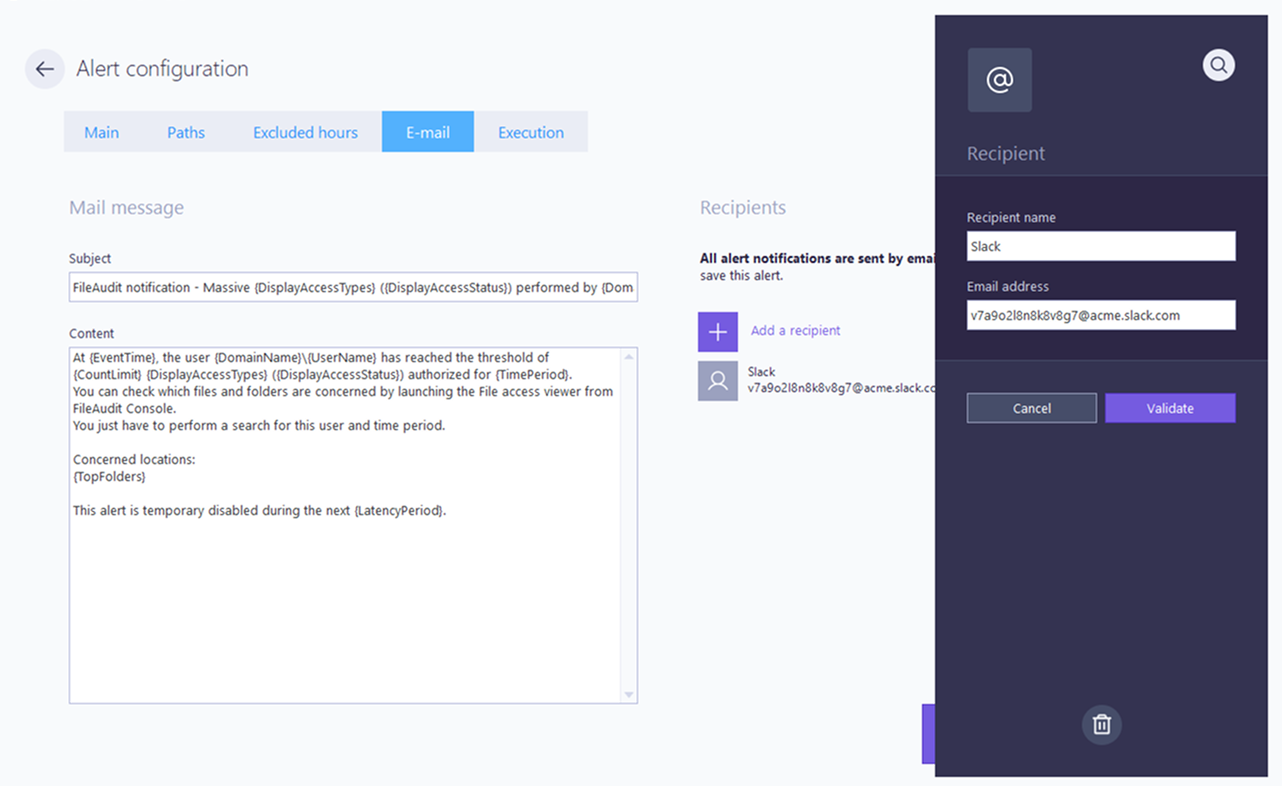
The address looks likev7a9o2l8n8k8v8g7@acme.slack.com.In FileAudit, in the Email tab of your alert or scheduled report, click Add a recipient and enter the Slack channel address.
Save your alert or scheduled report.
Note
Receiving emails in a Slack channel requires a paid Slack plan. On free plans, the channel email address feature is not available.
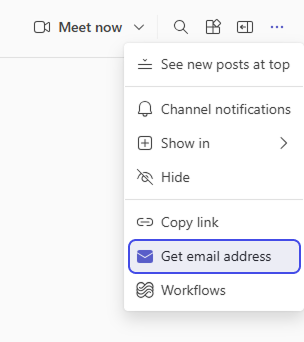
In Microsoft Teams, open the target channel, click the three dots in the top right corner, then select Get email address.
Copy the generated address.
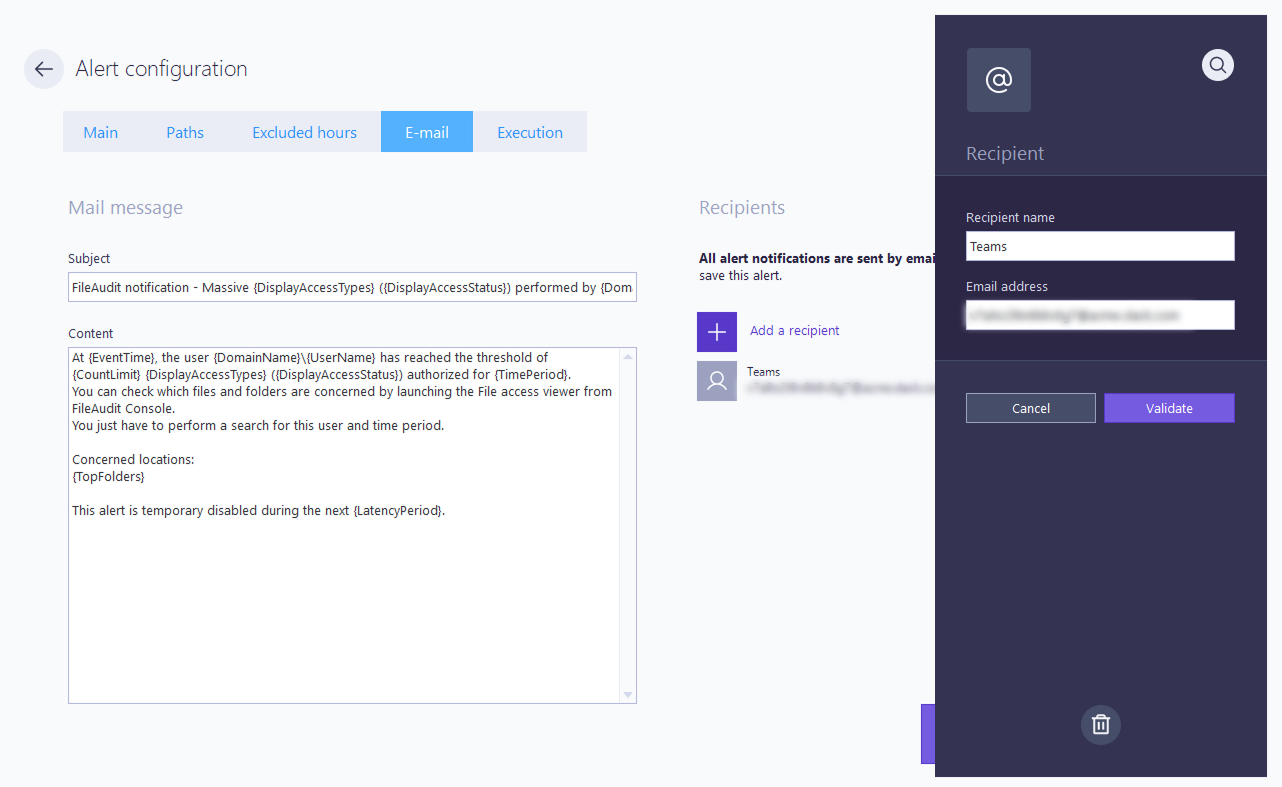
In FileAudit, in the Email tab of your alert or scheduled report, click Add a recipient and enter the Teams channel address.
Save your alert or scheduled report.
For details on channel email addresses, see the Microsoft documentation on sending emails to a Teams channel.
Note
Microsoft 365 administrators can disable channel email addresses for the organization. If the Get email address option is missing, check with your administrator.
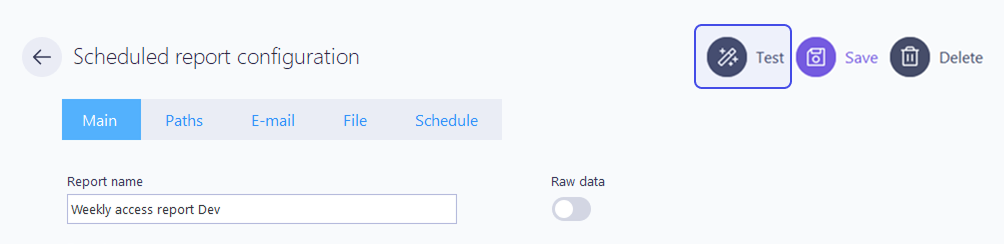
Trigger the alert with a test action on a monitored path, or click the Test button of your scheduled report.
Check that the notification appears as a message in the Slack or Teams channel.
No message in the channel: send a test email from the FileAudit email settings to confirm SMTP delivery works, then verify the channel address was copied without typos.
SMTP works but the channel stays empty: Slack and Teams can restrict which sender domains are accepted for channel emails. Check the channel email settings and allow the sender address configured in FileAudit.