Installing FileAudit
Install the FileAudit service and console on your Windows Server in under five minutes.
Make sure your target server meets the full Requirements Getting started before you start.
FileAudit installs on any Windows Server in your domain or workgroup.
You do not need a Domain Controller, and both physical and virtual servers are supported.
Download the setup package from the download page.
Run the installer on your target server.
Follow the setup wizard:
Select your language.
Accept the license agreement.
Keep the Complete installation type.
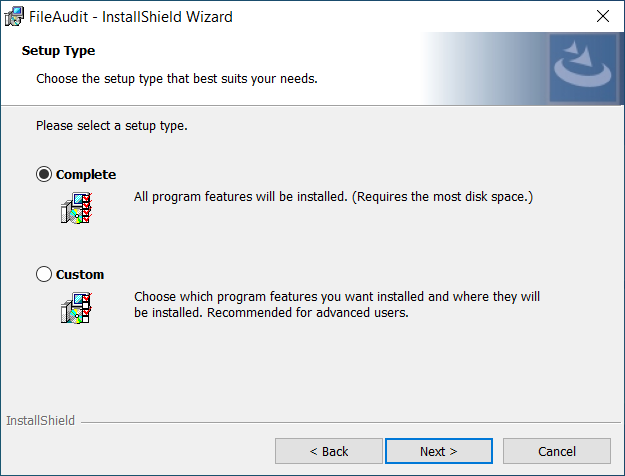
Click Install and wait for completion.
Once FileAudit has completed installing, click on Finish.
Note
The Complete installation type installs both the FileAudit service and the console on the same server.
The FileAudit console opens automatically when the installation wizard closes.
The console dashboard is displayed.
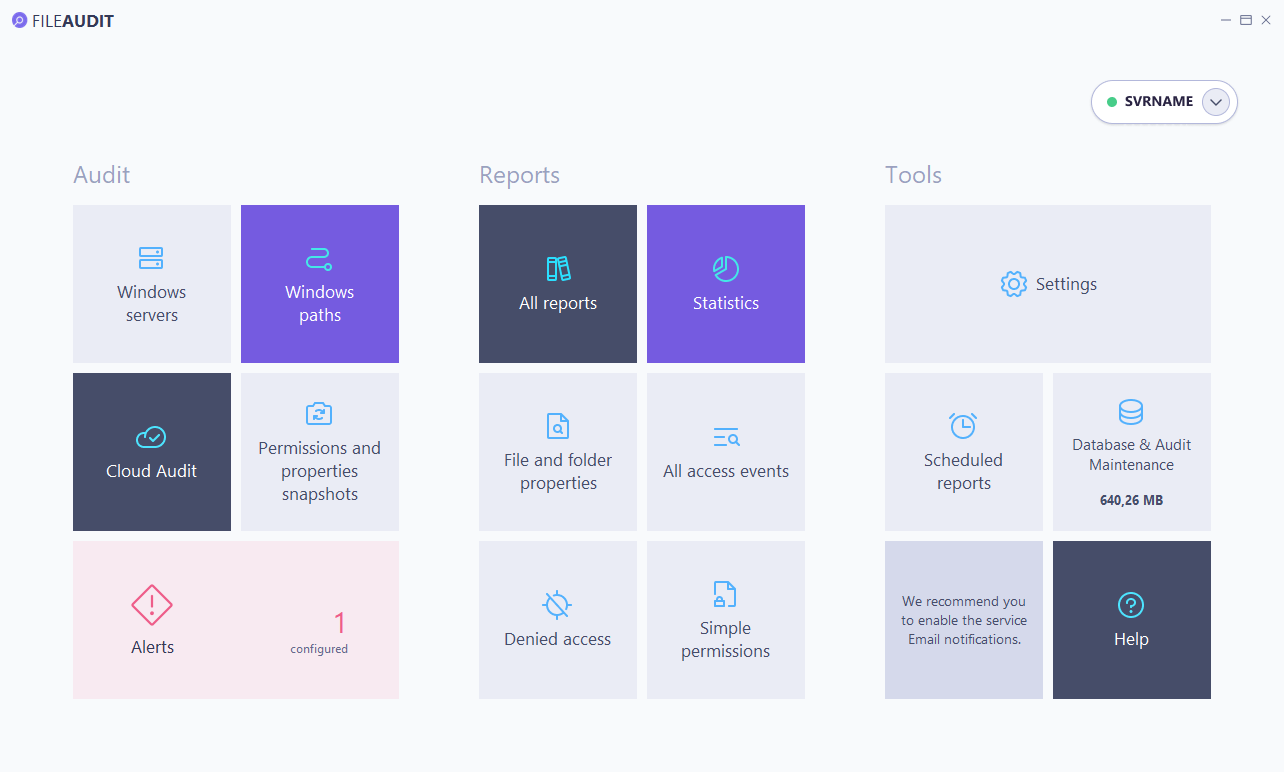
You can also install the console on a separate machine to connect to your FileAudit server remotely. See Console installation Guide and Connect remotely to a FileAudit service Guide.
Your server is installed and the console is open. Continue with Configuring your first audit path to start auditing.