YubiKey 2 factor authentication for Windows domain logins
UserLock works with YubiKey to offer easy and secure two factor authentication (2FA) on Windows domain accounts managed by Active Directory.
Updated November 27, 2025)
)
)
)
UserLock makes it easy for teams to enable two-factor authentication for Windows domain login, managed by on-premise Active Directory. Watch how UserLock works with YubiKey, the hardware security keys manufactured by Yubico, for secure Windows 2FA.
In addition to mobile authentication and Token2, UserLock partners with Yubico to offer organizations the chance to use YubiKeys to protect their Windows Active Directory user accounts. Once Windows login 2FA is activated by the administrator within UserLock, enrollment for using YubiKey is intuitive and simple for users to do on their own.
Users can complete enrollment in just a few steps:
Plug the YubiKey into the USB port of their computer
Login as normal
UserLock automatically detects a YubiKey is connected
Press the YubiKey to enter the validation code
UserLock now programs the YubiKey & updates the button to "Success."
To verify, the user just presses the success button and touches the YubiKey.
(A 6-digit code is displayed and the operation completed).
For all subsequent logins:
The user plugs the YubiKey into a USB port
The user logs in
UserLock requests the authentication code
The user simply touches the YubiKey button, the edit box will display the associated 6-digit code.
In order to logon, The user clicks “Verify and continue.”
See how UserLock works with Yubikeys
Schedule a personalized demo to learn how UserLock and YubiKey can fit your use case.
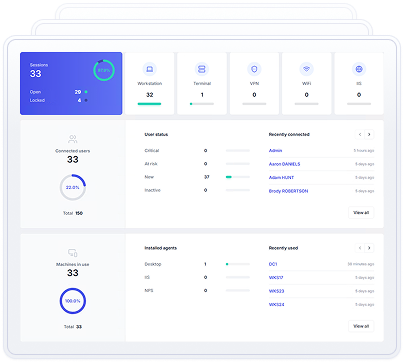
UserLock makes it easy to customize the frequency of YubiKey windows domain login authentication. You can also secure Remote Desktop Protocol (RDP) connections with YubiKey.

You can also customize the circumstances by connection type (local logins and RDP sessions), by RDP connections that originate from outside the corporate network and by workstation and/or server connections.
In addition, you can combine with UserLock’s contextual access controls based on the login context, to further secure all user access.
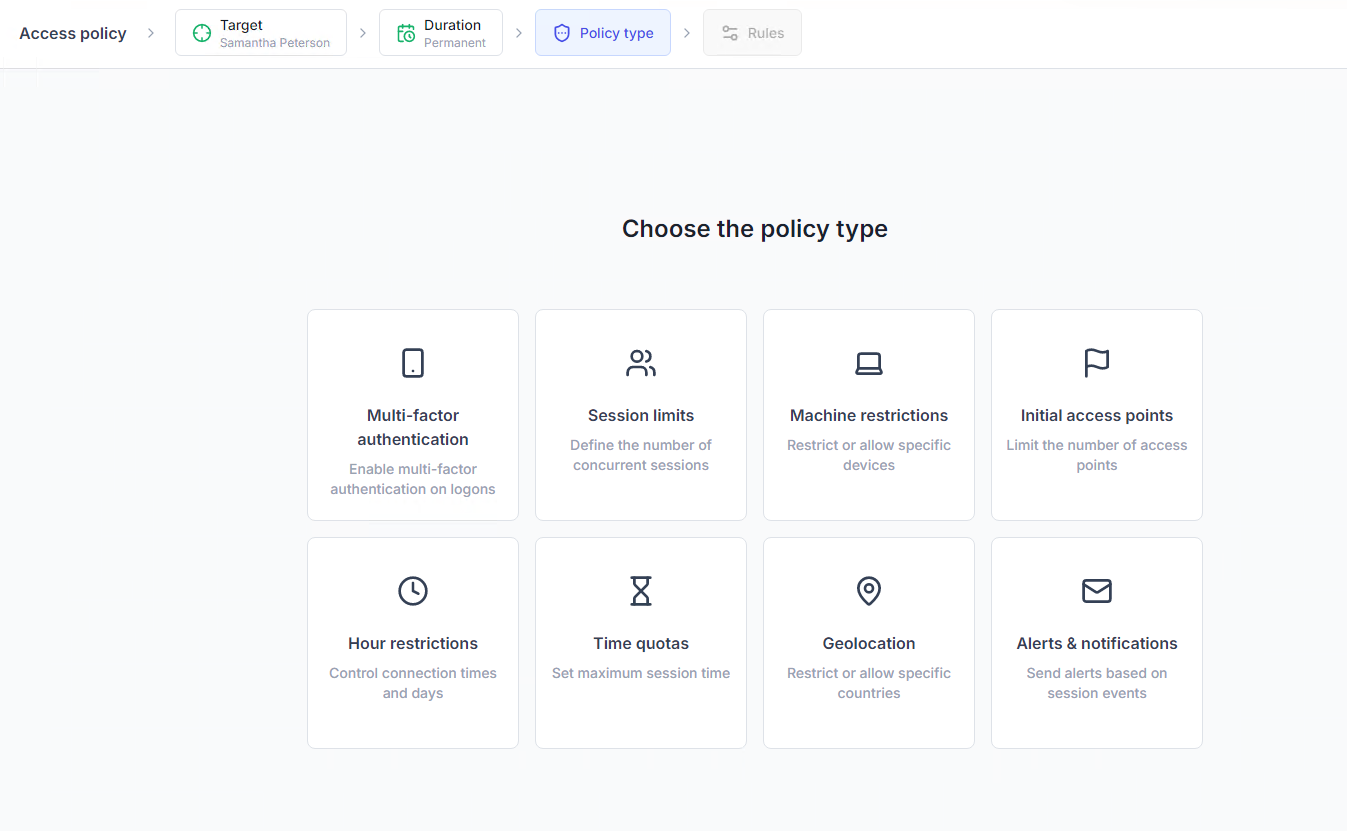
Transparent to the end-user they create an additional barrier to any attacker but don’t impede employee productivity. They also allow administrators to be more confident in customizing 2FA controls that avoid prompting the user for YubiKey 2 factor authentication each time they log into Windows.
Since UserLock integrates seamlessly with your on-premise AD environment, you get effective security that's doesn't add complexity, and adds almost zero management overhead.
Thanks to UserLock and YubiKey 2 factor authentication for Windows, you can ensure effective, secure user authentication, no matter where your team logs on, even if they don't have an internet connection. Plus, your IT team can manage UserLock remotely, from any workstation.